Procedural PBR Wetness/Puddle Shader Tutorial - UE4
This was a puddle/wetness material function I created while working on a comprehensive landscape shader system. I found it works quite well as a standalone effect, so I wanted to break it down.
In this example the function has been used as a post-blending step in a landscape material, controlled by a landscape layer, but it could also be used on any other shader using a mask or vertex color with little to no changes. Also, using specular in the way shown may not be perfectly PBR compliant, but it's usually necessary for obtaining the correct look in Unreal Engine's shading.
Assets shown are from Megascans and the MAWI Broadleaf Forest Pack.
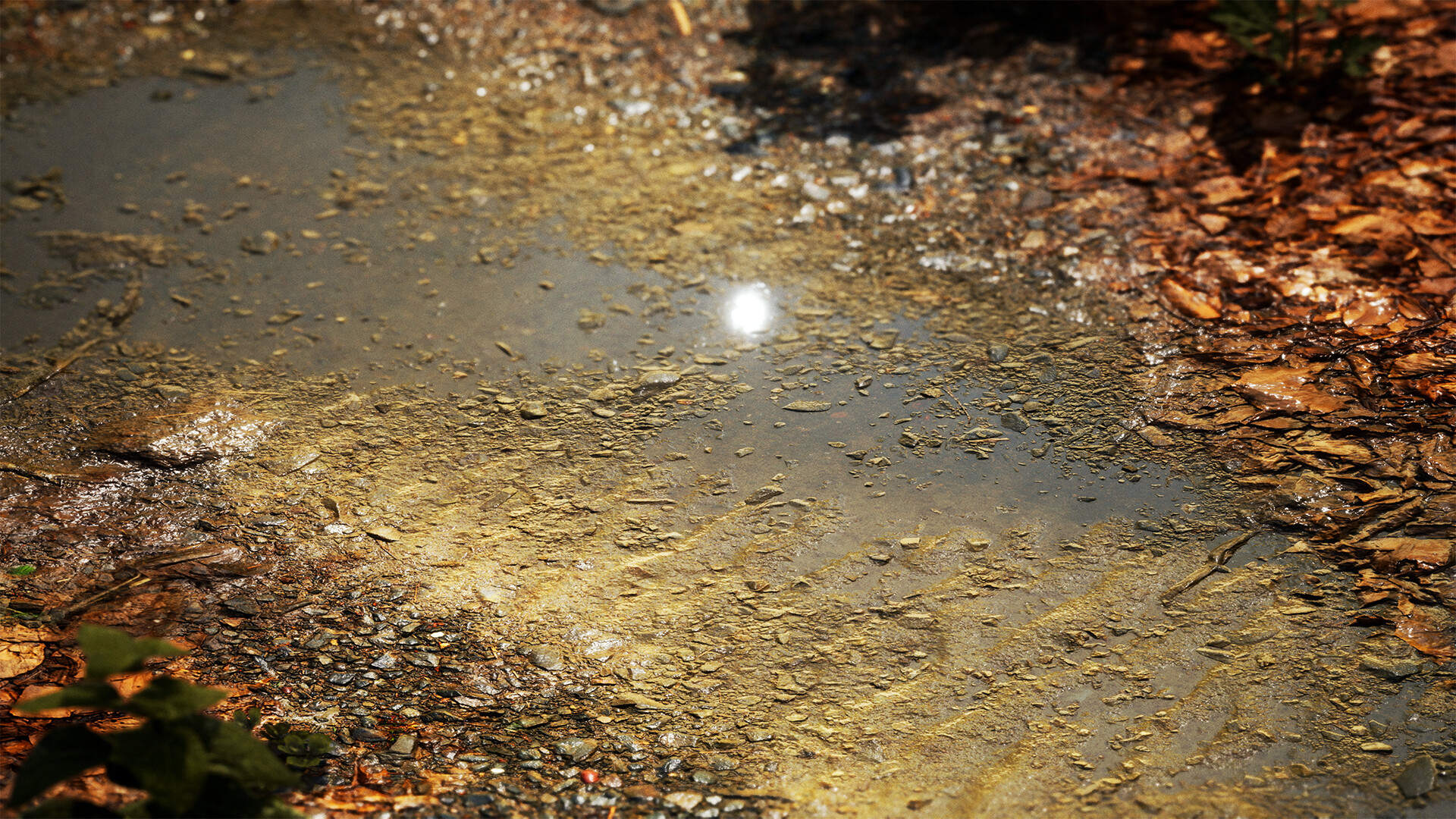
Procedural wetness is a common feature requested by artists for PBR materials, especially landscape materials. I set out to create a simple, cheap, universal function to add a varying amount of wetness to any set of PBR values and get a realistic result.
The goal was to allow for the full range of wetness values, from slightly damp all the way to fully submerged. Here I've multiplied the wetness amount by a sine wave to show the entire transition from dry to wet.
Because this function only needs the displacement and wetness amount as an input, it should transfer well to any PBR material that includes height.
In the use case of this landscape material, the artist can paint a target value in order to get the specific amount of wetness they desire.
Slope is also taken into account, so that only flatter areas will include puddles, as you would expect in real life. The strength of this effect is tweakable via parameters.

As it only needs height information and a mask, the function can be used almost anywhere in a material graph. In this case, it's being used at the very end of a landscape shader, as a sort of 'post process' effect for the material.

You could add an input for a custom up vector, in cases where +Z isn't always the desired up direction.

Using negative values with the desaturation node is a very useful trick, and one I don't see used very often. The power node also works great for adding contrast in cases where mathematical correctness isn't important.

The material function costs 40 instructions in total, but because most of those instructions are simple arithmetic operators, it should run quite fast on modern GPUs. These lerps are the two most expensive parts of the shader.